|
<< Click to Display Table of Contents >> Activities |
  
|
|
<< Click to Display Table of Contents >> Activities |
|
Activities can be found in the left side panel in the Workflow Designer.
Activites are the steps a workflow instance uses to do specific tasks.
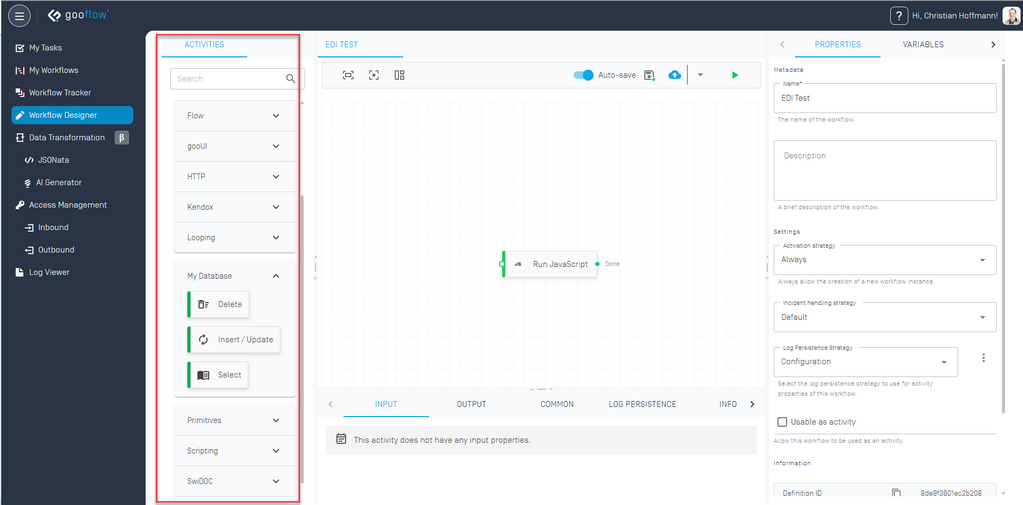
Activities Leiste
When selecting an activity, the panel on the bottom will change to show the configuration for the selected activity.
The "Input" and "Output" tabs are highly dependent on the selected activity and will be explained in their respective chapters. The following is a overview over the commonly shared configurations in the other tabs.
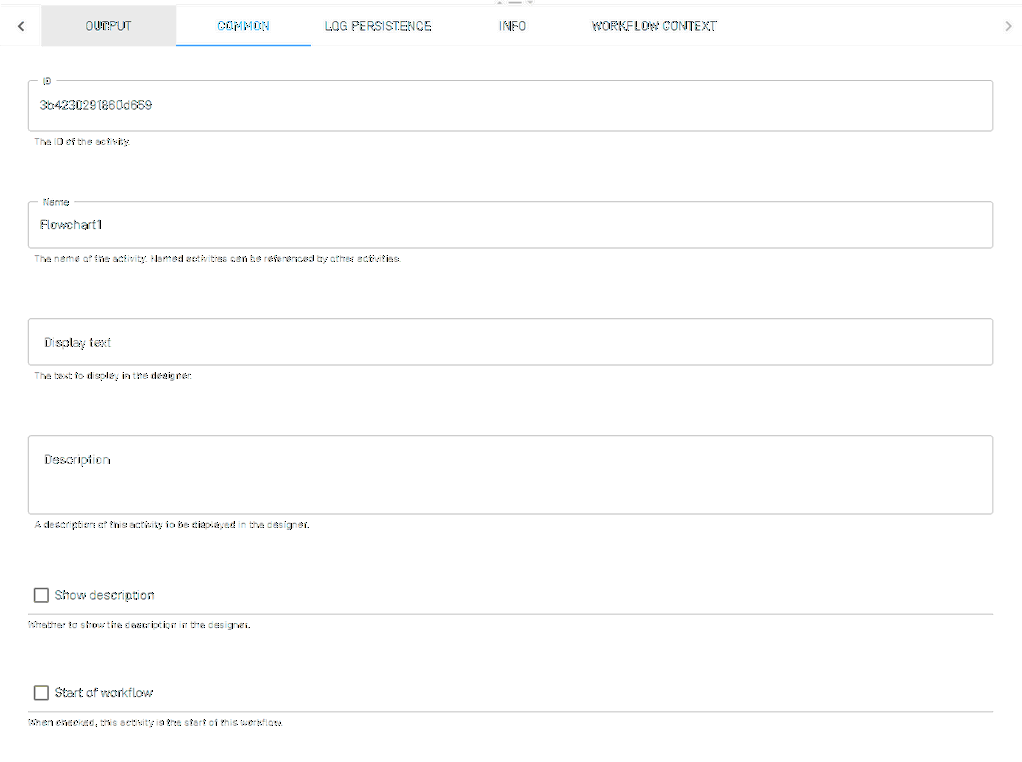
Common
The "Common" tab allows you to change the name and description of the activity. An activity can be designated as a workflow start, some activities like the HTTP Endpoint will set themselves as a start activity by default.
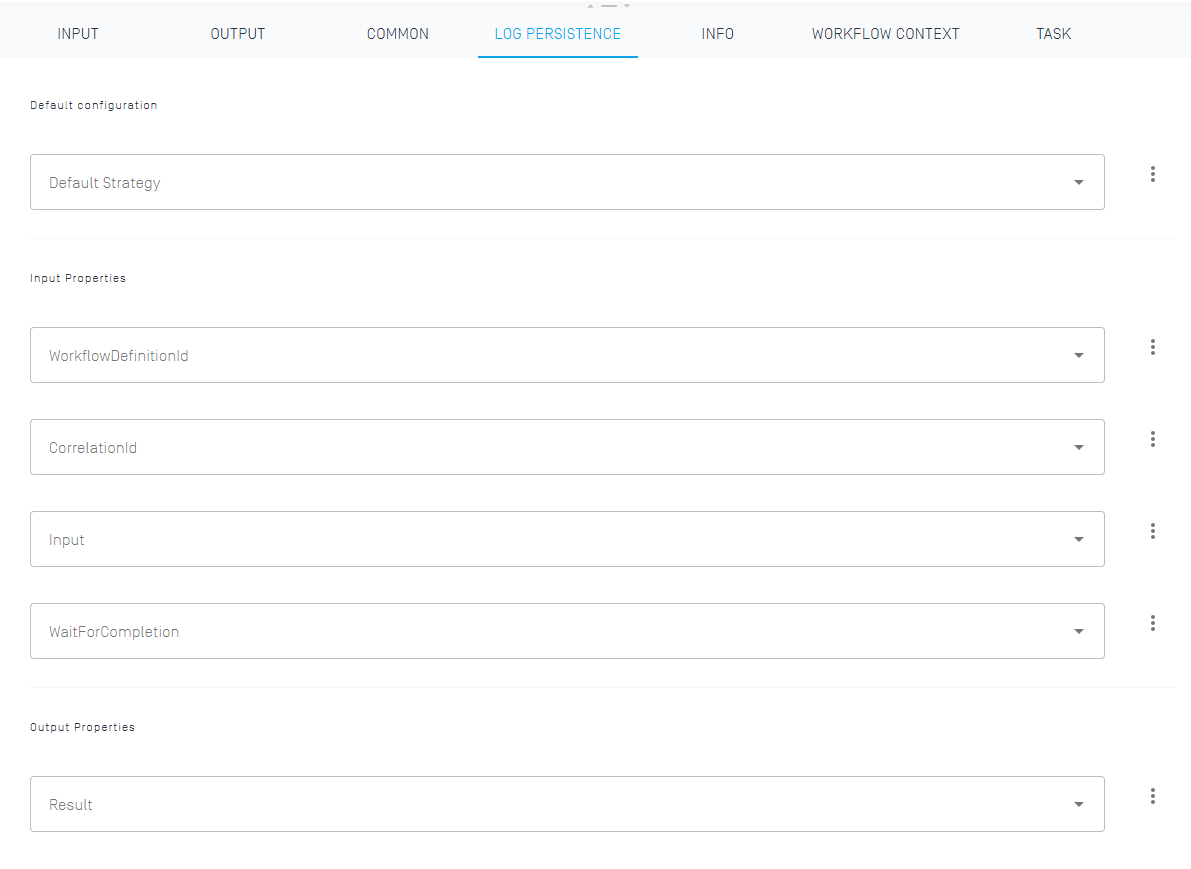
The log persistence tab allows you to overwrite the general workflow settings for log persistence. If the activity has input or output properties, the log persistence can be set more granular for specific parameters. Lower tier settings overwrite the settings from the higher tier, if the workflow in general is set to exclude logs but a specific activity is set to include a specific input property, that specific input property will show up in the Worfklow Tracker. More information can be found here.
Some activities such as "HTTP Requests" and "Execute Workflow" allow you to set them to execute asynchronously.

Certain properties allow for the selection of different input sources, via the "three dots" button.
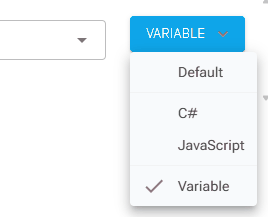
"Default" usually allows simple text entry.
C# and JavaScript allow for complex scripts in order to determine the value the property will have during workflow instance runtime.
Variable allows the selection of a variable in a dropdown, with the value of the variable at runtime determining the value of the assigned property.