|
<< Click to Display Table of Contents >> Decision |
  
|
|
<< Click to Display Table of Contents >> Decision |
|
The Decision activity directs the workflow into one branch or the other of the flow chart, depending on whether a check results in true or false. In contrast to the If activity, the result is not stored in a variable and there is no sub–flow chart.
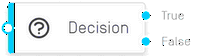
The check takes place in the “Input” section in the “Condition” field.
Example with JavaScript
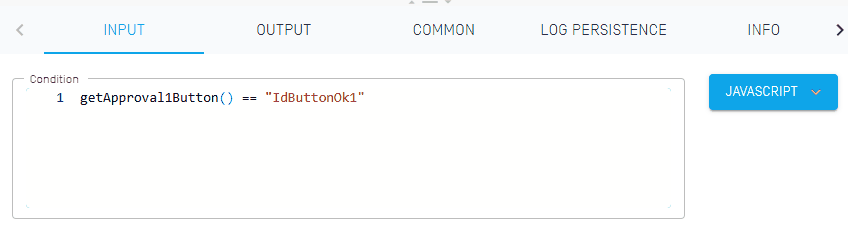
In this example, the result is checked from a button in the UI. If OK was selected, the true branch continues, otherwise the false branch continues.
Further JavaScript examples:
Number(getTotalAmount()) > 1000
|
If the number of a variable is greater than 1000, then it returns true. |
const daten = getPxGetAddressParsedContent(); Array.isArray(daten) && daten.length > 0
|
A variable is loaded, if the variable is an array and its length is greater than 0, then it returns true. |
getCurrency() == "CHF"
|
If a variable is equal to a string, then it returns true. |
isNullOrEmpty(getPxGetPayTypeParsedContent())
|
If a variable is null or empty, then it returns true. |
There is no output.