|
<< Click to Display Table of Contents >> JSON Transformer |
  
|
|
<< Click to Display Table of Contents >> JSON Transformer |
|
The JSON Transformer activity allows you to use a JSONata definition in order to transform a JSON object into a different JSON object. This way the result of an HTTP Request can be changed in such a way that another REST API from another application will accept the new JSON as an input for a request.
With this powerful tool gooflow can exchange data freely between different applications with just HTTP Requests and JSON Transformation activities, without the need for complicated script tasks or additional code.
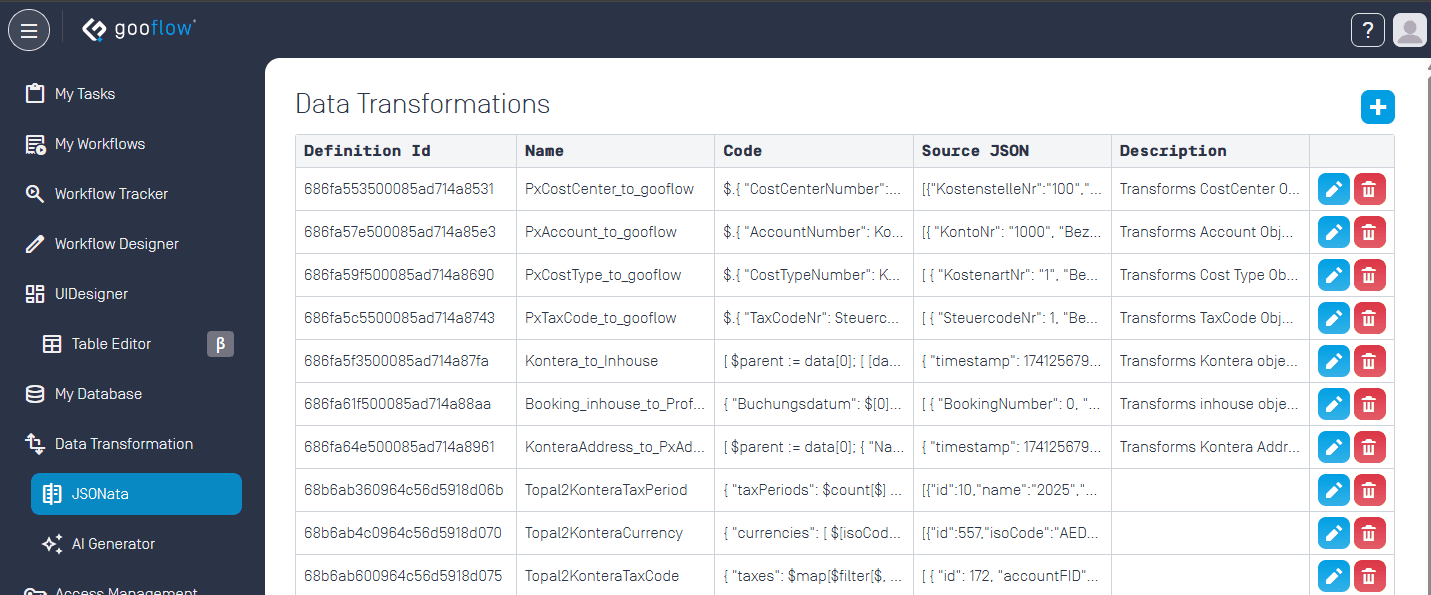
JSONata definitions are managed in a separate menu outside of the Workflow Designer. Please consult the official JSONata documentation for more details on how to write your own JSONata script.
Source Data Object |
The object variable containing the input JSON. |
Data Transformation Definition |
Select the your desired JSONata definition form the list. |
Target Data Object |
The object variable to store the resulting output JSON. |
Error Message |
A string variable containing the error messages, if any resulted from the transformation. |