|
<< Click to Display Table of Contents >> Fork (flow) |
  
|
|
<< Click to Display Table of Contents >> Fork (flow) |
|
The "Fork (flow)" activity allows you to create two or more parallel flows.
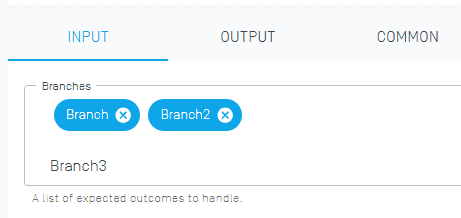
By entering the branch names, a new output node will be created in the activity output side. New branches can be added by entering a name and pressing the Tab key.

There is no output.